How to reduce no-shows at your salon with WhatsApp reminders
Reduce salon no-shows with WhatsApp reminders: when to send them, message templates you can copy, reschedule links, and when an advance makes sense.
By SalonOS Team6 min read
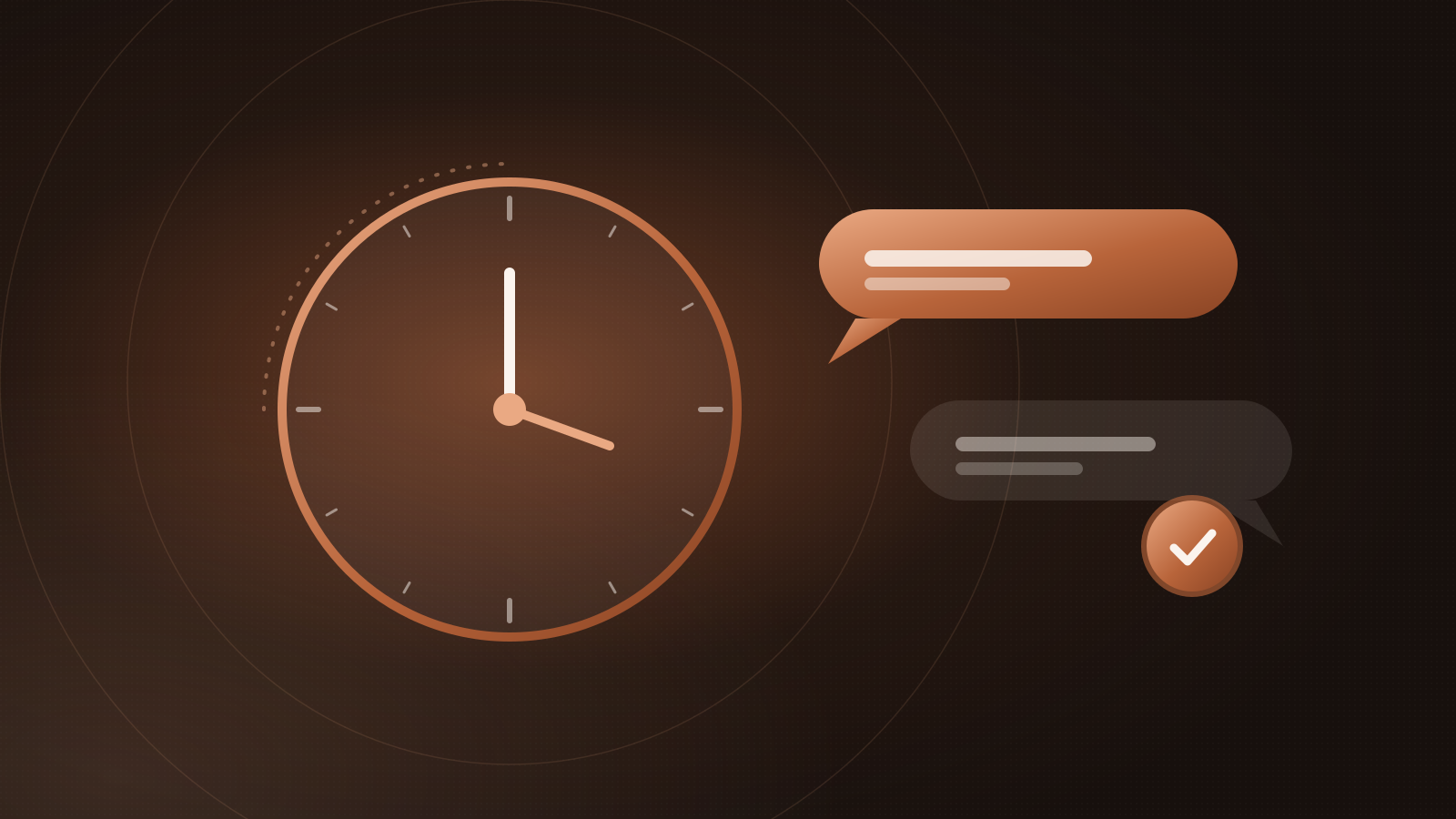
The simplest way to reduce no-shows at a salon is to remind every customer on WhatsApp before their appointment, and make it easy to reschedule instead of skipping. Most no-shows aren't rude — people forget, or plans change and cancelling feels like a hassle. A well-timed message with a reschedule link solves both.
Below: when to send reminders, what to say (with templates), and what else helps.
Why customers don't turn up
It helps to know what you're fixing. In most salons, missed appointments come from a handful of causes:
- They forgot. The booking was made a week ago on a whim.
- Something came up and calling to cancel felt awkward, so they didn't.
- They weren't sure it was confirmed, especially if they booked by message and never got a clear reply.
- They booked "just in case" and found another slot elsewhere.
Reminders address the first three directly. A clear booking and cancellation policy handles the fourth.
When to send reminders
Three messages cover most situations:
| Message | When | What it does |
|---|---|---|
| Confirmation | Right after booking | Removes doubt: date, time, service, stylist, address |
| Day-before reminder | About 24 hours before | Catches people who forgot; gives time to reschedule |
| Same-day reminder | About 2 hours before | Final nudge; helps with travel and timing |
A few timing rules of thumb:
- Don't send at night. A reminder at 11 pm for a 10 am appointment is annoying. If the 24-hour mark falls late in the evening, send it earlier instead.
- Skip the 24-hour reminder for same-day bookings. Someone who booked at 1 pm for 4 pm doesn't need two messages.
- For long services (bridal, keratin, colour correction), a reminder two or three days ahead gives both of you time to prepare — and to fill the slot if they cancel.
Reminder templates you can copy
Keep messages short: who, when, where, and what to do if plans change. Use the customer's name and the stylist's name — it reads like it came from your salon, not a machine.
Booking confirmation
Hi {name}, you're booked at {salon} for {service} with {stylist} on {date} at {time}. Need to change it? {link}
Day-before reminder
Hi {name}, a reminder of your {service} tomorrow at {time} with {stylist}. If you can't make it, please reschedule here so we can offer the slot to someone else: {link}
Two hours before
Hi {name}, see you at {time} today at {salon}. {address}. Running late? Just reply to this message.
After a missed appointment
Hi {name}, we missed you today. Would you like to pick a new time? {link}
Notes on wording:
- Ask for a reschedule, not a cancellation. "Reschedule here" keeps the customer; "cancel here" invites them to leave.
- Give a reason to tell you. "So we can offer the slot to someone else" is honest and makes people more likely to let you know.
- Invite replies. If messages come from your salon's number, customers can simply reply "running 10 mins late". That's useful information.
- Write in the language your customers use. A short Malayalam, Hindi or Tamil reminder can land better than English for some clients.
Make rescheduling effortless
A reminder without a reschedule option just tells people they're about to miss something. Include a link to their booking where they can pick a new time themselves. The fewer steps between "I can't make it" and "done", the more slots you get back.
If rescheduling means calling during business hours, many people will do nothing instead.
Should you take an advance?
Reminders go a long way, but for some appointments a small advance makes sense:
- Long or high-value services, such as bridal makeup or hair treatments that block half a day.
- Peak slots during wedding season and festivals like Diwali and Onam, when an empty chair is hard to refill at short notice.
- Repeat no-shows — a customer who has missed more than once.
If you take an advance, keep it simple: say how much, how to pay (most salons in India use UPI), and whether it's adjusted against the bill. Put the rule in writing, on your booking page and in the confirmation, so nobody is surprised. For regular haircuts and quick services, a clear reminder is usually enough.
Other habits that cut no-shows
- Confirm every booking in writing, including phone bookings. A verbal "done, 5 pm" is easy to forget.
- Keep your number consistent. Send reminders from the same WhatsApp number customers already have saved.
- Track who misses. Most salons find a small group of repeat offenders. Knowing who they are lets you ask for an advance just from them.
- Fill cancelled slots. When someone reschedules, message customers who asked for an earlier slot, or let walk-ins take it.
- Say thank you. A short message after the visit, with a link to book the next one, keeps the relationship going.
How SalonOS handles reminders
SalonOS sends booking confirmations and reminders on WhatsApp from your salon's own number, which you connect by scanning a QR code. New salons start with a confirmation 24 hours before and a reminder 2 hours before; you can switch each one on or off, change the timing and edit the wording with placeholders for the client, time, stylist and salon. Delivery tracking shows what was sent and delivered, and customers can reschedule or cancel from your booking page. More on WhatsApp in SalonOS.
Frequently asked questions
How many reminders is too many?
For a normal appointment, a confirmation plus one or two reminders is plenty. More than that starts to feel like spam, and customers may mute you — which means they miss the messages that matter.
Is it better to send reminders by SMS or WhatsApp?
In India, many customers check WhatsApp far more often than their SMS inbox, and they can reply. SMS is a reasonable fallback for customers who don't use WhatsApp.
What if a customer replies to a reminder?
That's a good thing. Treat it like any message to your salon: confirm, adjust the booking, or note that they're running late. Replies are only possible when reminders come from a number someone actually reads.
Do reminders work for walk-in customers too?
Walk-ins don't have an appointment to forget, but a "you're next" message helps if they step out while waiting. See our guide to managing walk-ins with a token system.
Wrapping up
Send a confirmation straight away, a reminder the day before and another a couple of hours before. Keep the messages short, send them from your own number, and always include a way to reschedule. Keep advances for the appointments that really need them.
Want reminders running on autopilot? Start free — the Free plan includes 100 WhatsApp reminders a month. Compare plans.