Salon queue management: how to run walk-ins with a token system
A practical guide to salon queue management: why tokens beat a crowded counter, QR check-in, showing a live wait time, and calling customers on a TV board.
By SalonOS Team6 min read
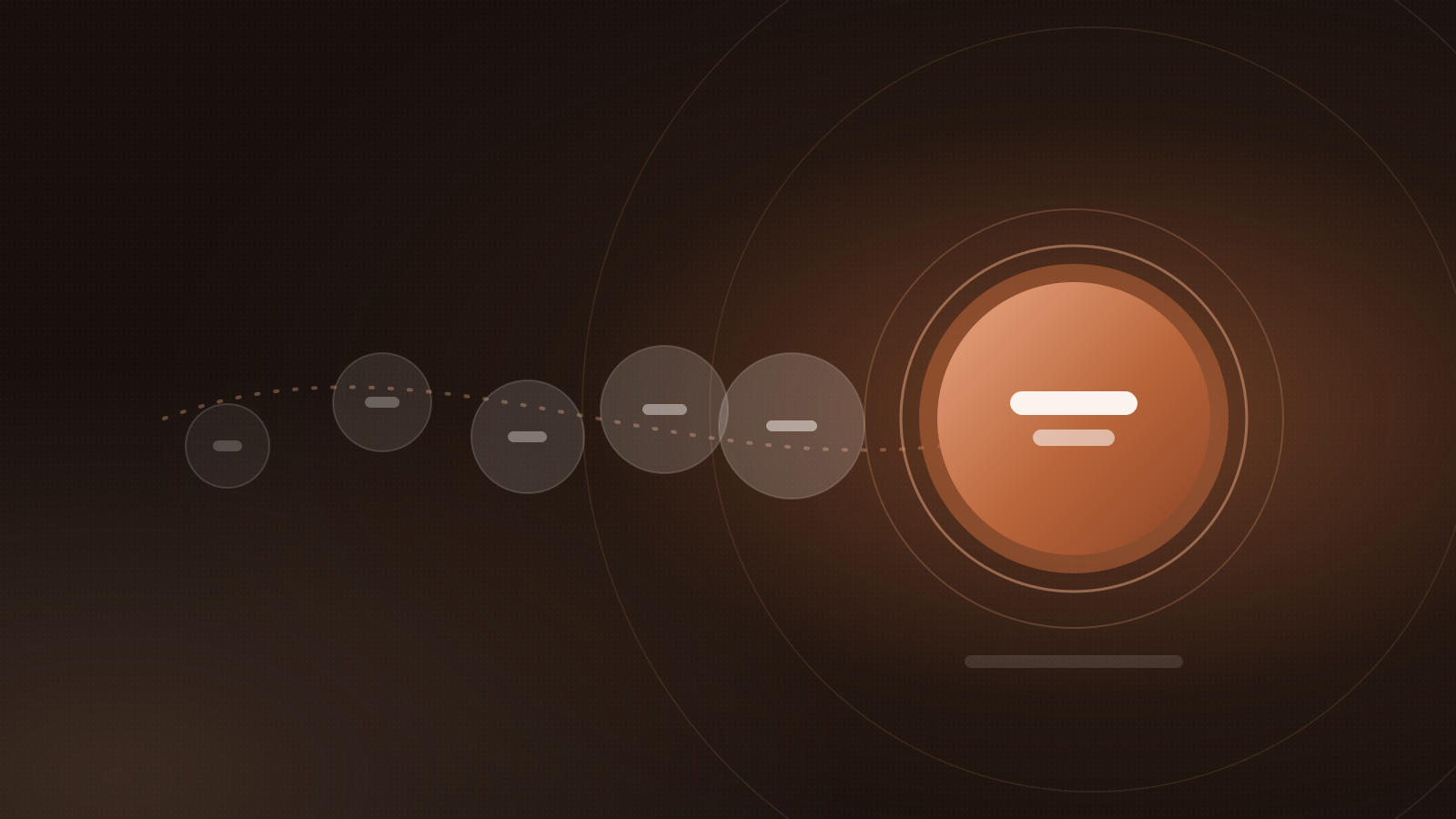
Good salon queue management comes down to one idea: give every walk-in a numbered token, show them where they stand and how long it'll be, and call them in order. That turns a crowd at the counter and repeated "how much longer?" questions into a calm, fair line — and it works alongside your appointments rather than against them.
Here's how to set up a token system, step by step.
Why a token system works better than "wait here"
Most walk-in salons manage the queue from memory: someone at the desk keeps track of who came in when. On a quiet weekday that's fine. On a Sunday morning or the week before a festival, it breaks down:
- Order gets disputed. Two customers both think they were next.
- The front desk becomes a bottleneck, answering the same question over and over.
- People walk out because they can't tell whether the wait is ten minutes or an hour.
- Nobody can step out. Customers stay glued to the waiting area in case they miss their turn.
A token fixes each of these. The number settles the order. A visible wait time answers the question before it's asked. And if customers can see their place on their phone, they can grab a tea next door without losing their turn.
The basic token flow
Whether you use paper slips or an app, the flow is the same:
- Customer arrives and gets a token (for example, A-12), ideally tied to the service they want.
- They see their position — how many people are ahead — and an estimated wait.
- A stylist frees up and calls the next token.
- The customer is told it's their turn, on a screen, out loud, on their phone, or all three.
- The token is marked served, and everyone else moves up one place.
Paper tokens handle step 1. The rest is what makes the difference.
Let customers join with a QR code
The easiest improvement is letting customers join the queue themselves:
- A QR code at the door or reception that opens your queue on their phone. They enter a name and number, pick a service and get a token.
- Joining from your booking page, so regulars can join before they even leave home, if you allow it.
Tips for the QR code:
- Print it large and at eye level, near the entrance, with a line like "Scan to join the queue".
- Put a second one in the waiting area for people who came in with a friend.
- Keep a manual option. Some customers will always prefer to tell the desk. Staff should be able to add them to the same queue in seconds.
Show a live wait time
An estimated wait is the single most useful thing you can show. It doesn't need to be perfect — it needs to be honest and to update.
A sensible estimate uses how many people are ahead and the typical duration of their services. A beard trim and a hair spa take very different amounts of time, so tying tokens to services improves the estimate a lot.
A few rules:
- Round up, not down. Telling someone "about 30 minutes" and calling them in 20 feels great. The reverse feels like a broken promise.
- Update it as the queue moves. A number that never changes is worse than no number.
- Show it where they are — on their phone, and on a screen in the waiting area.
Call customers clearly
When a chair frees up, calling the next person should take one tap, not a shout across the room. Good options, from simplest to best:
- Calling out the token number. Fine in a small salon, easy to miss in a noisy one.
- A message on WhatsApp saying "you're next", so people who stepped out come back in time.
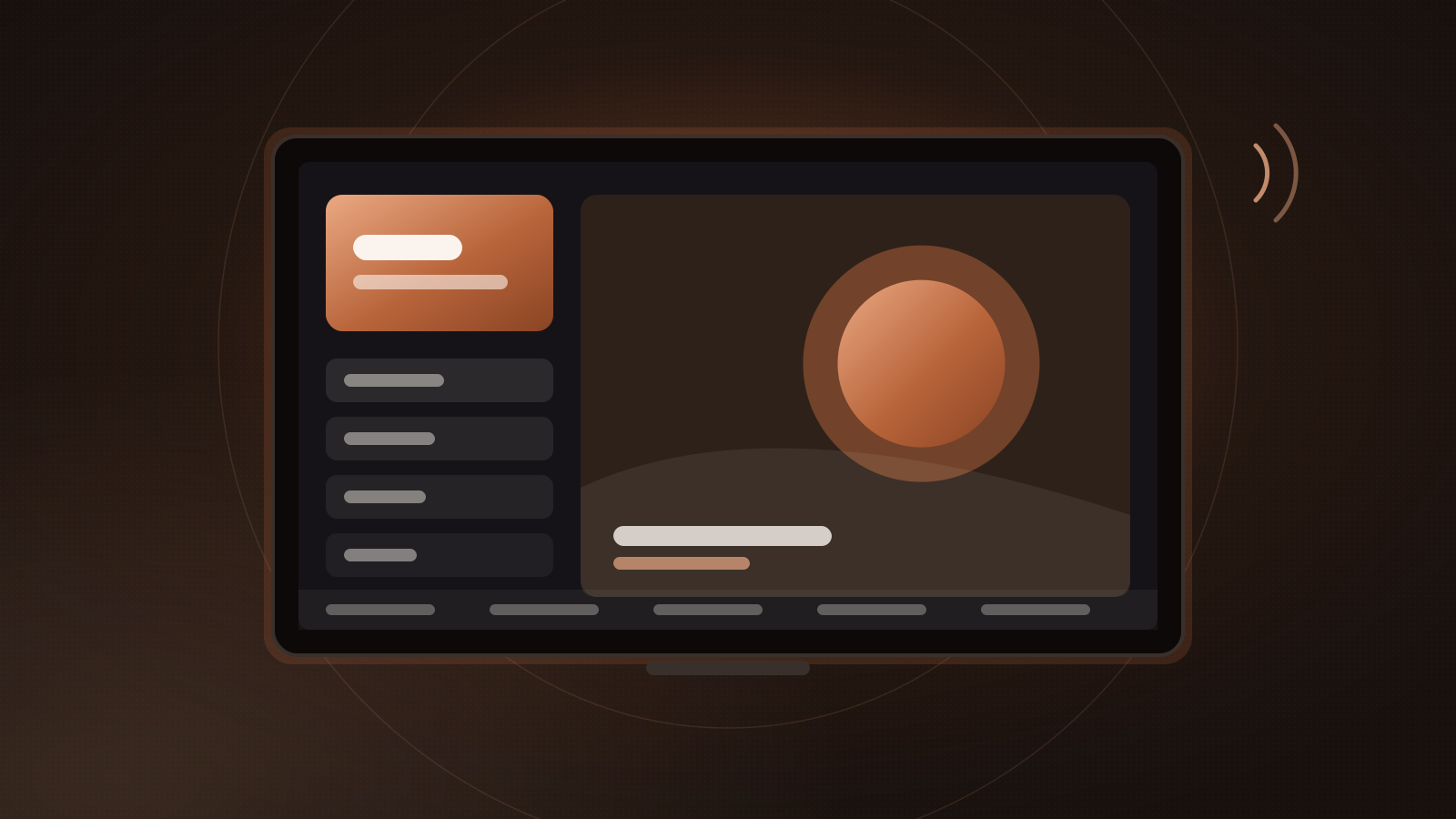
- A TV board in the waiting area showing now serving, up next and everyone waiting, with a chime or a voice announcement when a token is called.
The TV board also makes the queue feel fair, because everyone can see the order. We explain layouts and setup in turning your waiting-area TV into a queue board.
Mixing walk-ins and appointments
Most salons take both. The trick is to decide the rules up front:
- Appointments keep their time. A booked 4 pm customer shouldn't wait behind six walk-ins.
- Walk-ins fill the gaps between appointments and go to whichever stylist is free.
- Estimates should account for appointments, so walk-ins aren't promised a stylist who is booked for the next hour.
- Encourage regular walk-ins to book next time. A small sign — "Skip the queue: book online" — with your booking link helps. See how to take bookings online.
A quick setup checklist
- Decide your token format (a letter per service group works well, like A for hair and B for skin)
- Set typical durations for your walk-in services
- Print QR codes for the entrance and waiting area
- Decide how staff will call the next token
- Set up a "you're next" WhatsApp message
- Put a screen in the waiting area if you have one
- Brief your team on how appointments and walk-ins mix
How SalonOS handles walk-ins
In SalonOS, walk-ins scan the QR code at your door or join from your booking page and get a token. Their token, their place in line and the estimated wait appear on their phone. Staff call the next token with one tap in the owner app, and WhatsApp tells the customer they're next. On the Business plan, a TV in the waiting area shows now serving, up next and waiting, with a chime and voice call-outs. More on the live queue.
Frequently asked questions
Do customers need to install an app to get a token?
No. With a QR-based queue, the token opens in the phone's browser. Customers without a smartphone can be added by staff at the desk.
What if someone misses their turn?
Decide a rule and apply it evenly. A common approach is to move them back a few places or to the next free stylist, rather than sending them to the end of the line.
Can walk-ins choose a stylist?
They can, but it usually means a longer wait. Show the wait for "any stylist" and for the one they asked for, and let them decide.
Is a token system worth it for a small salon?
If you regularly have more than two or three people waiting at once, yes. Even a simple QR queue saves the desk from constant questions and stops arguments about who was first.
Wrapping up
A token system gives every walk-in a clear place in line, an honest wait time and a reliable call when it's their turn. Start with QR check-in and a visible estimate; add WhatsApp and a TV board as you get busier.
Ready to try it? Start free — the live queue is included on every plan. See pricing.